Social Media Image Dimensions: A Practical Resizing Guide
Choose a social image by aspect ratio, verify current platform guidance, and resize without accidental stretching.
Evidence status: The platform notes below use official help pages checked August 12, 2026. The fit examples and five working-canvas exports come from retained first-party geometry tests performed that day; no claim is made about platform upload approval, reach, or an automatic safe area.
Current source-backed dimensions
| Use | Shape | Pixels | What the source supports |
|---|---|---|---|
| Instagram shared photo | Square reference | Up to 1080 × 1080 | Instagram says it uploads at the best available resolution up to this value. It is not presented here as a required shape for every photo. |
| Instagram portrait working canvas | 4:5 | 1080 × 1350 | Mend Pixels working preset. The official page checked for this guide did not establish this number. |
| LinkedIn link preview | 1.91:1 | 1200 × 627 | LinkedIn describes its article or link-preview image frame with this ratio and size. |
| Wide header working canvas | 3:1 | 1500 × 500 | Mend Pixels working preset. Current official X documentation was not available as publishable evidence in this review. |
| YouTube standard thumbnail | 16:9 | 3840 × 2160 | YouTube currently lists this resolution, a minimum width of 640 pixels, and 16:9. The resizer's 1280 × 720 option is a smaller 16:9 working canvas above that minimum, not the listed resolution. |
Platform interfaces and crop behavior can change. Check the destination's current composer before a consequential upload, especially when text, a face, or a logo sits close to an edge.
Choose ratio before pixel count
Aspect ratio describes the canvas shape. Pixel dimensions describe how many pixels it contains. A 1080 × 1080 square, a 1080 × 1350 portrait, and a 1500 × 500 header ask for three different compositions even when they start from the same source.
- Keep the untouched source and make a working copy.
- Choose the destination shape and decide what must remain visible.
- Crop to fill when edge loss is acceptable, or fit the whole image when empty space is preferable.
- Resize to the final pixel dimensions, then inspect faces, text, logos, straight lines, and every edge.
- Compress only after the dimensions are correct, and verify the actual upload preview.
How the Mend Pixels presets behave
The Image Resizer sets an exact output canvas. Its default Crop to fill mode uses a centered crop, which preserves geometry but may trim edges. Fit whole image keeps the entire source and can add empty space. Stretch to exact size is available only when distortion is intentional.
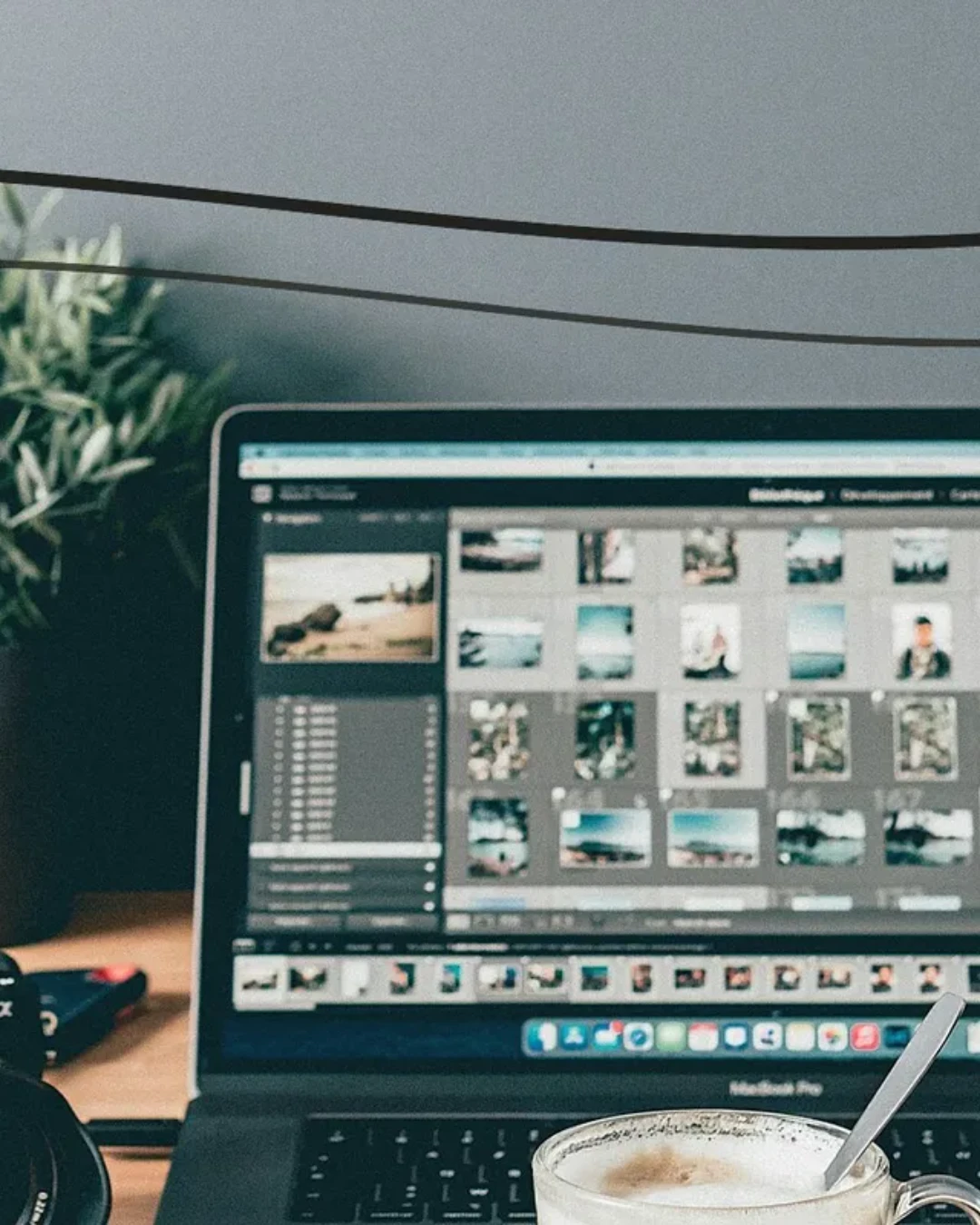
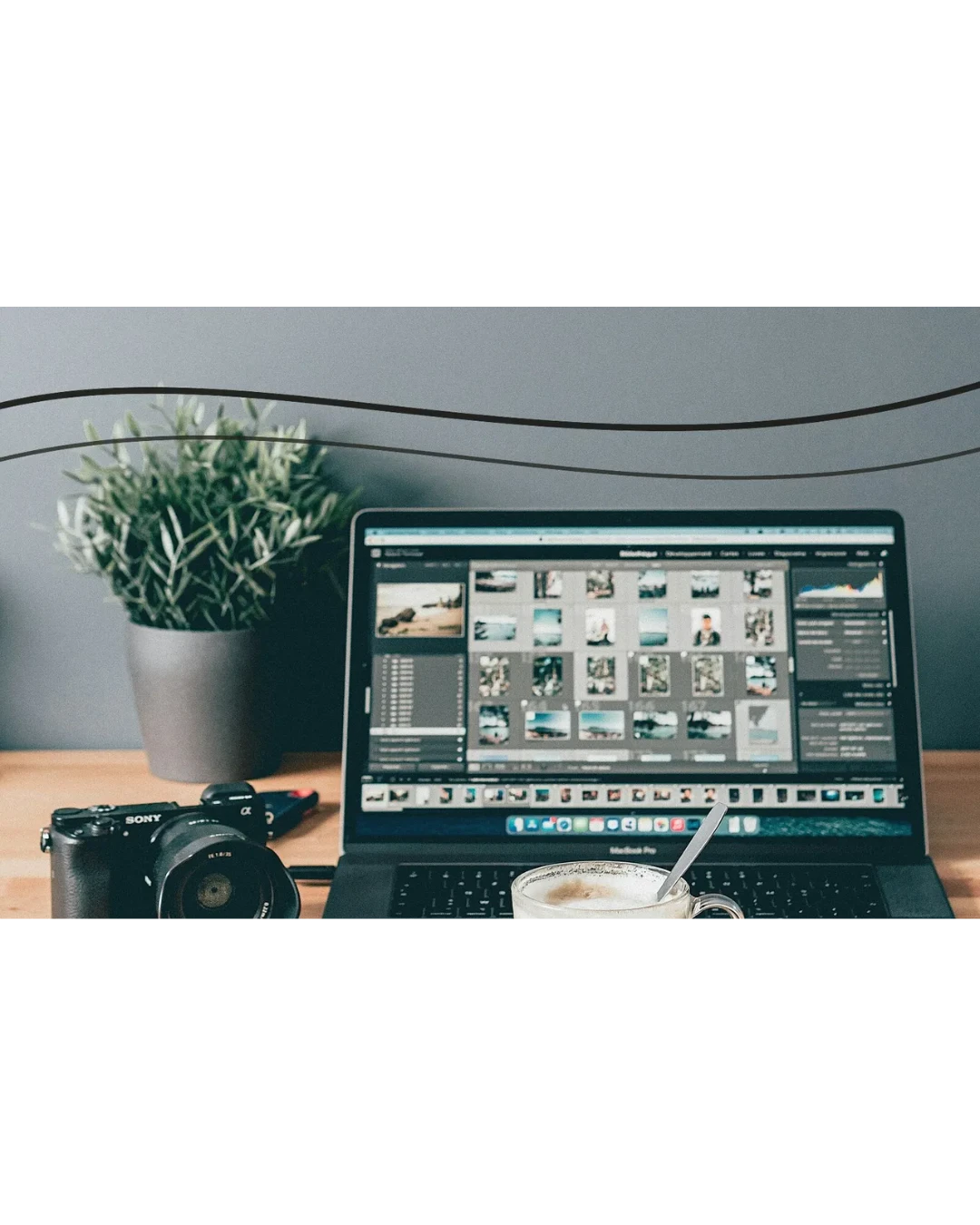
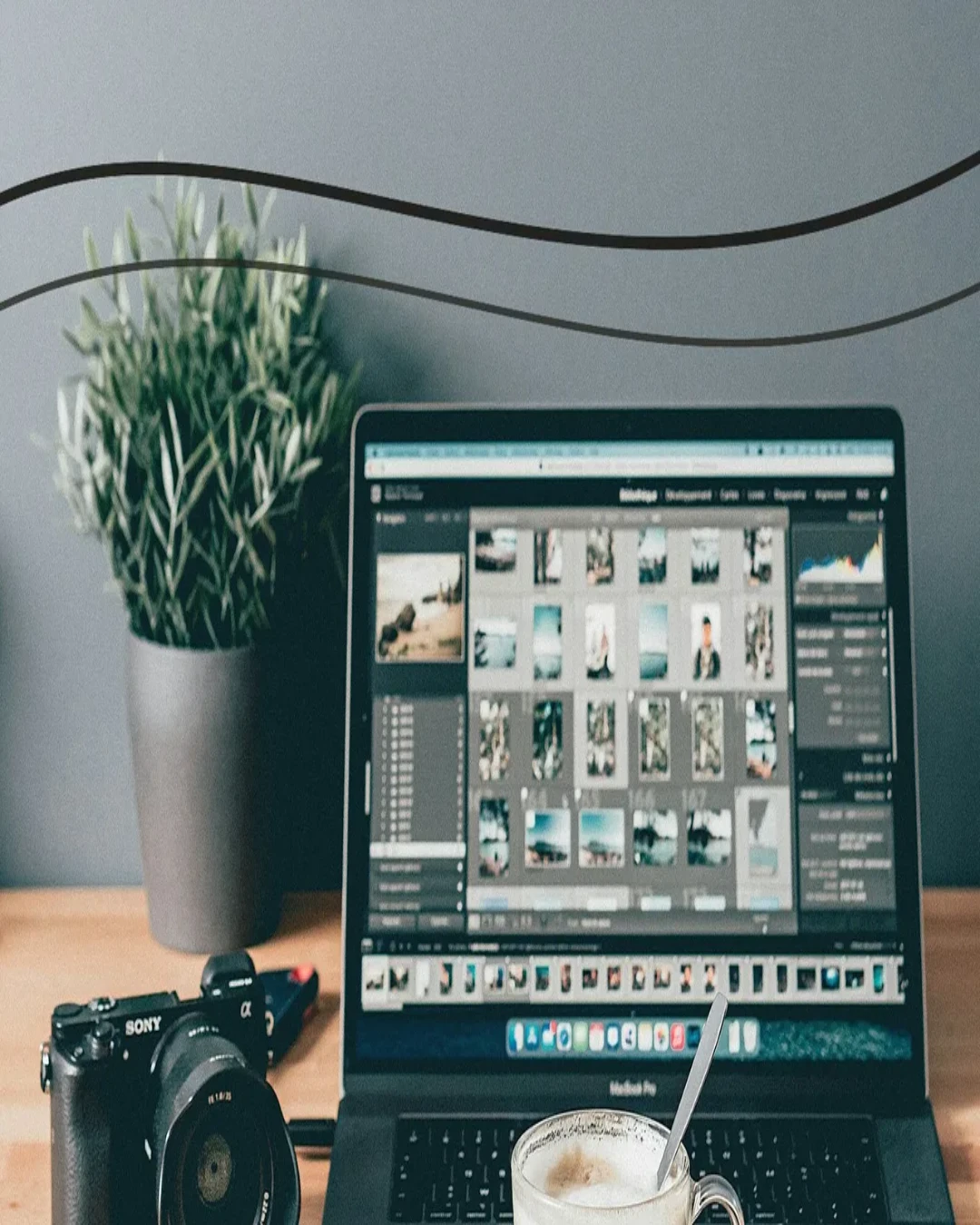
These August 12, 2026 Chromium browser outputs use the same rights-cleared 1280 × 800 WebP source (151.4 KB), WebP output at 90% quality, and three fit methods. They demonstrate one source and are not a universal file-size or quality promise. Separate first-party geometry charts are retained for the matching-ratio preset tests.
Retained working-canvas exports
Five first-party geometry charts were exported through the matching canvas presets. The measured outputs were 1080 × 1080 WebP (26.2 KB), 1080 × 1350 WebP (28.8 KB), 1200 × 627 JPEG (52.1 KB), 1500 × 500 PNG (130.3 KB), and 1280 × 720 WebP (22.2 KB). These results verify the resizer canvas and export paths, not acceptance by the named platforms.
Failure signs and fallback
Stop when a circle becomes oval, text widens, a face looks compressed, or important content disappears at an edge. Return to the source, choose Crop to fill or Fit whole image, and reposition the composition in an editor when the centered crop is not suitable. This resizer does not identify a subject or choose a smart crop.
File format and file size are separate
Correct dimensions do not guarantee a particular file size. PNG can retain transparency, while JPEG and WebP use lossy encoding at the selected quality. If an upload has a byte limit, resize first and use the Image Compressor afterward. Enlarging a source creates more output pixels but does not recover missing information.
Sources
Official sources checked August 12, 2026. Platform and store descriptions are attributed publisher claims; they are not Mend Pixels test results.